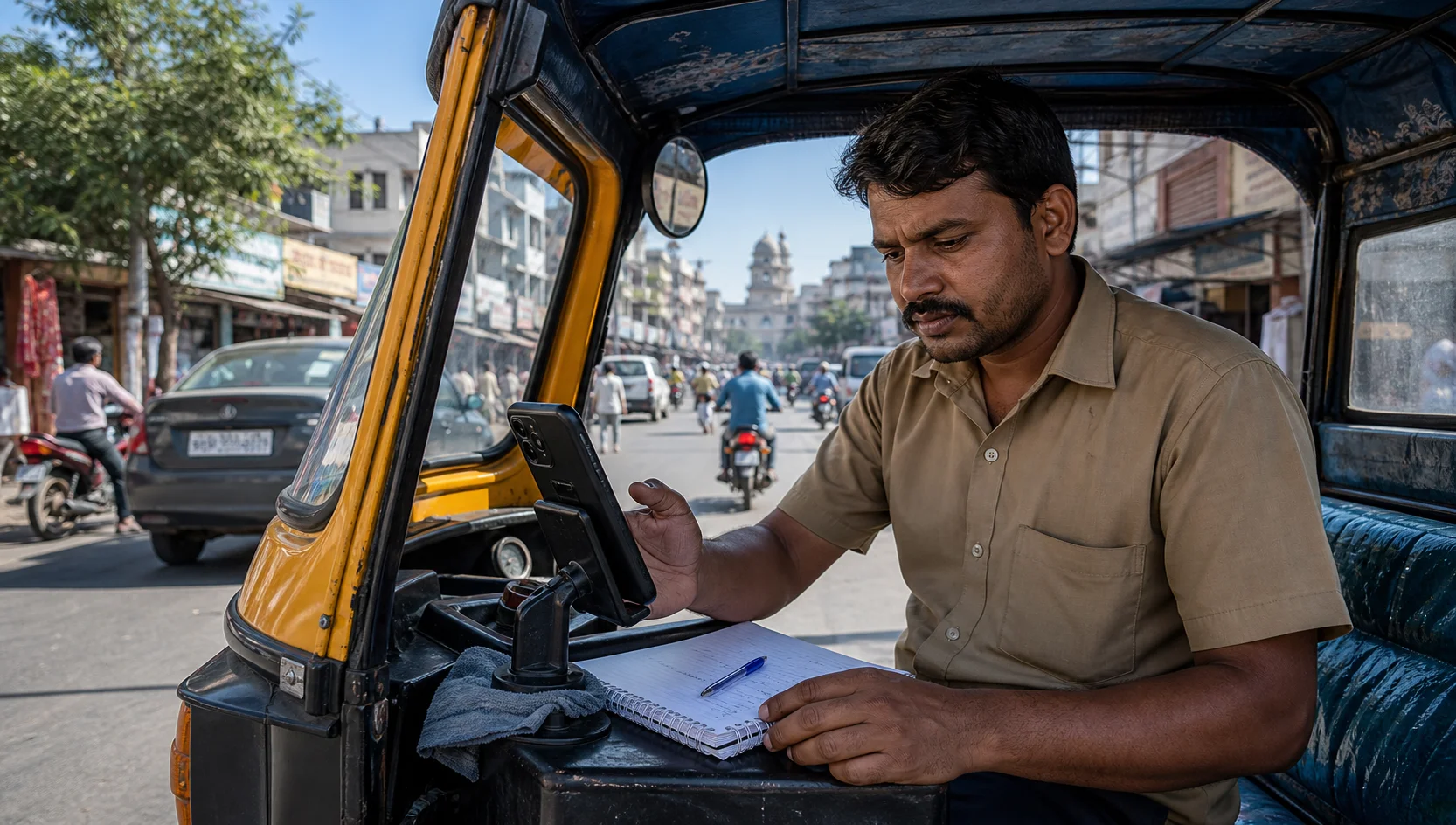
Delivery work places different pressure on a phone than passenger rides. A Porter driver may handle goods and customer calls, a Swiggy or Zomato partner moves between restaurants and homes, while Blinkit and Zepto work often depends on quick movement around compact store zones. Amazon Flex, BigBasket and Shadowfax can involve their own pickup schedules and route patterns.
The brands are different, but the basic phone needs are similar: stable location, clear notifications, enough battery, dependable data and a screen that can be used quickly while safely parked. Partner availability and work categories vary by city, so always follow the current instructions inside each official platform app.
Prepare for the type of work, not only the brand
Food delivery usually has restaurant waiting time and short customer handoffs. Quick-commerce work may involve repeated trips from a familiar store. Porter and other logistics jobs can include larger items, longer routes and more phone coordination. Before going online, decide which kind of work your vehicle, bag space and available hours can support.
This keeps you from opening every app simply because it is installed. If lunch is your food-delivery window, keep Swiggy or Zomato ready. If your vehicle is prepared for logistics, make Porter the main focus. Blinkit or Zepto may fit a shorter local shift where those partner services are available.
Check location and background access
Android can reduce background activity when a phone is low on battery or an app has not been used recently. Before leaving, check location accuracy, notification access and battery settings for the partner apps you genuinely plan to use. Do not disable general phone security or grant unrelated permissions.
Auto Ride Accept can organize general readiness checks and selected work apps on Android. It is independent and is not affiliated with Porter, Swiggy, Zomato, Blinkit, Zepto, Amazon Flex, BigBasket or Shadowfax. It does not replace official platform instructions or driver judgment.
Make customer communication easier
Save a few polite message templates for common situations: waiting at pickup, asking for a landmark, reporting traffic or confirming a safe delivery point. Use the official app's masked calling and messaging features where available. Never type a long message while moving.
A single earbud can also reduce awareness of traffic, so follow local rules and keep your surroundings audible. If a customer call needs attention, stop safely before discussing an address.
Protect the phone from heat and rain
Delivery partners often spend more time outside the vehicle. Carry a small rain cover, keep the charging port dry and use a mount that does not block the camera or overheat the phone. A power bank is useful for walking handoffs, but the cable should not hang where it can catch on the handlebar or bag.
Plan around pickup clusters
Restaurants, dark stores, warehouses and logistics hubs create different traffic patterns. Learn where legal parking is possible and where security checks slow entry. A slightly quieter pickup point with reliable parking may produce a better hour than a famous hotspot where every collection takes too long.
For Porter, Amazon Flex or Shadowfax-type logistics work, review parcel space and route length before committing. For Swiggy, Zomato, Blinkit, Zepto or BigBasket work, watch waiting time, building access and the distance back to an active zone.
Measure net earnings, not notification volume
A busy phone can create the feeling of a productive day even when fuel, waiting and return distance are consuming the margin. Record completed work, kilometres, fuel or charging cost, unpaid waiting and incentives. Compare a full week rather than one unusually good or bad shift.
End with a five-minute reset
At the end of the shift, charge the phone, clean the screen and mount, check tomorrow's weather and note one recurring problem. If a platform notification was unclear or a permission stopped working, fix it while parked at home instead of carrying the issue into the next rush.
A reliable delivery setup is not the one with the most apps running. It is the one that keeps the day's chosen work visible, the phone dependable and the rider focused on safe movement.