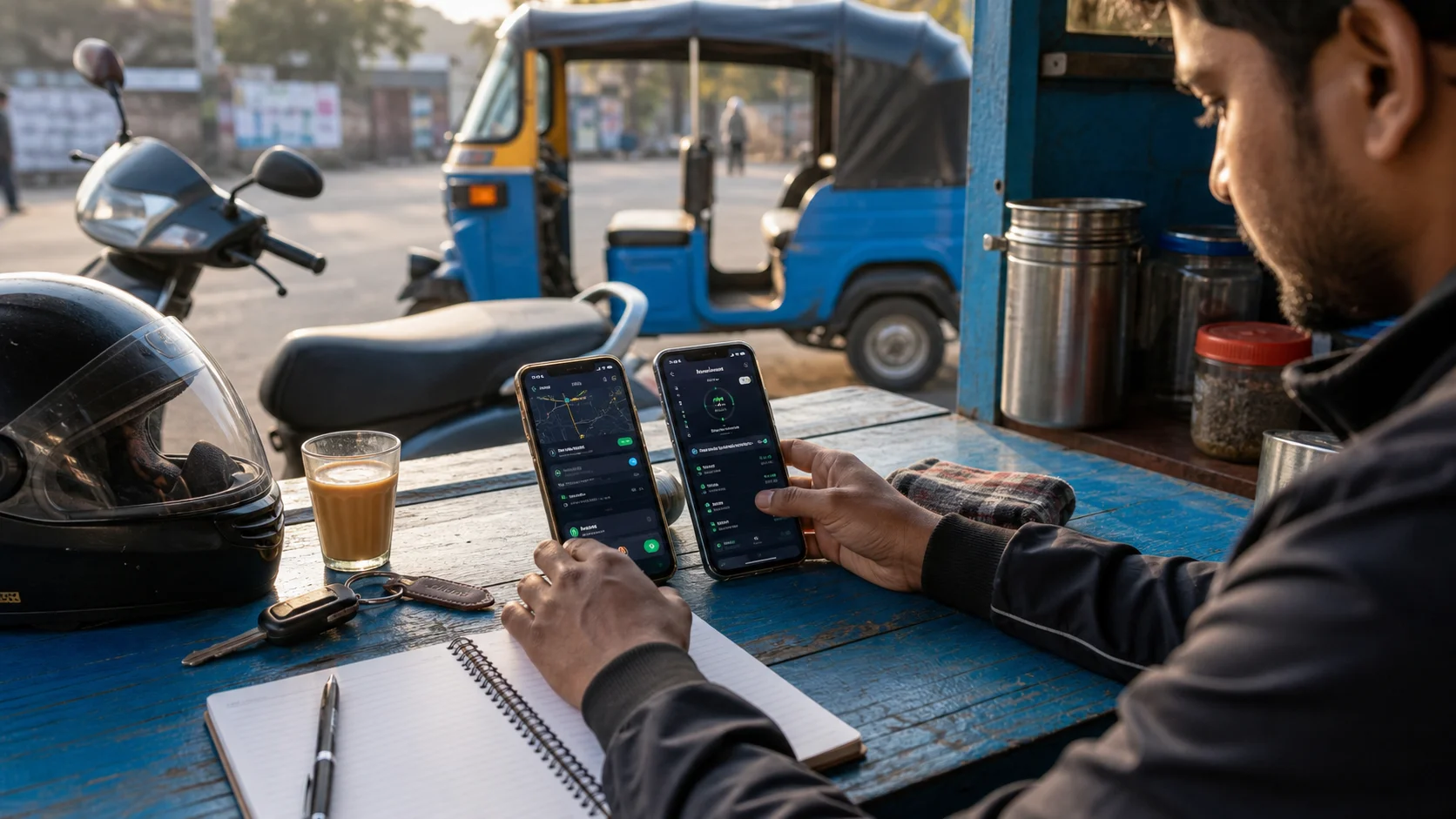
Many Indian drivers keep more than one ride platform on the same Android phone. Ola and Uber may be useful for cab work, Rapido may cover bike or auto demand, while Namma Yatri and inDrive can matter in particular cities. The useful question is not how many apps you can install. It is how many you can manage without turning every trip into a screen-management exercise.
A clean setup should reduce distraction, preserve battery and make it obvious which platform is your priority at that moment. Platform availability, vehicle categories and partner rules vary by city, so check each official driver app before building your routine.
Choose a primary app for each shift window
Start the day by deciding which app is primary and which one is backup. A Bengaluru auto driver might begin with Namma Yatri and keep Uber or Rapido available for a quieter period. A cab driver in Delhi may use Ola and Uber as the main pair. The correct order depends on your city, vehicle, incentives and the trips you actually receive.
This small decision prevents a common problem: reacting to every notification without comparing pickup distance, traffic and destination. Your primary app gets attention first. The backup app helps when demand falls, but it does not control the entire shift.
Keep the home screen simple
Put Ola Driver, Uber Driver, Rapido Captain, Namma Yatri Driver or inDrive in one clearly named folder. Keep Maps, payments and emergency contacts beside it. Move games, shopping and social apps to another screen. A work phone should let you reach the essential tools with one deliberate tap.
If you use two phones, give them separate jobs. One can handle active ride platforms and navigation; the other can remain available for family calls, banking or support. Two phones only help when the roles are clear. Otherwise they create two batteries, two mounts and twice as many alerts to watch.
Review permissions before going online
Ride apps depend on location, notifications, background activity and reliable mobile data. Android battery controls may restrict one app after an update or a long period of inactivity. Check the apps you plan to use that day rather than opening every driver app installed on the phone.
Auto Ride Accept can keep general app readiness, selected work apps and permission checks easier to review. It is an independent utility and is not affiliated with Ola, Uber, Rapido, Namma Yatri or inDrive. Official platform rules and the driver's road judgment always take priority.
Avoid overlapping alerts
Several loud alerts arriving together make it harder to judge a request safely. Use clear notification sounds where the official apps allow them, keep media volume under control and never compare offers while the vehicle is moving. If you need to change platforms, stop somewhere legal and safe first.
Watch battery, heat and mobile data
Navigation, location and multiple active driver apps can heat an Android phone quickly. Use a secure ventilated mount, a dependable charger and a cable that does not interfere with steering or handlebars. Remove apps you no longer use and restart the phone before a long shift if it has become slow.
Heat matters as much as battery percentage. A phone in direct afternoon sun may reduce performance even while charging. Shade the device where possible and avoid covering its back with unnecessary accessories.
Review results instead of following habit
At the end of the week, compare accepted trips, pickup distance, waiting time, fuel and cancellations by platform. One app may be busy but send long pickups; another may be quieter but fit your preferred area. A simple written comparison is more useful than assuming the most familiar brand is always the best choice.
Keep the final decision with the driver
No utility can judge a dark pickup point, unsafe turn, tired body or changing road condition better than the person on the vehicle. Use technology to organize the phone, not to replace attention. A good multi-app setup feels calm because it leaves enough space for the road.